

Evaluate used equipment and relocation
Review equipment condition and history together with relocation scope before agreeing on terms.
Understand at a glance
These are not mandatory consecutive tasks. Choose a route for your purpose and read its instructions.
Requesting, confirming terms and accepting results are separate actions. Review results again when revisions are needed.
Use a service
Offer a service using my asset
Numbers show reading order, not actual progress.
Detailed instructions
Choose Used equipment & relocation in Deployment & development services and search content, region and sector.
Read manufacturer/model, condition/history, ownership and transfer rights, software license, inspection, removal, transport, reinstallation and warranty details.
Sign in and describe your objective, equipment, site and logistics, plus company, contact, email and details. Add date, time zone and budget, consent and submit or request ROPAVIA support.
In Requests & progress, confirm scope, price, dates and exclusions. After results are submitted, check equipment condition and relocation/installation outcomes, then accept or request changes.
To offer a service, use an approved profile and Submit a service listing. Import my equipment copies a record into a draft. Remove sensitive information and verify rights, history and remaining conditions before requesting review.
All detailed instructions are expanded for printing.
Before you proceed
- An equipment record or starting price is not confirmed sale inventory, an appraisal or a final transaction price.
- Importing equipment creates a publication draft, not an automatic sale listing. New and edited listings require review.
- Request and confirmation screens do not automatically transfer ownership or settle payment. Verify actual rights, logistics, installation and warranty terms.
Explore with pictures and screens
Choose a scene or screen to see the problem it addresses and what to check.
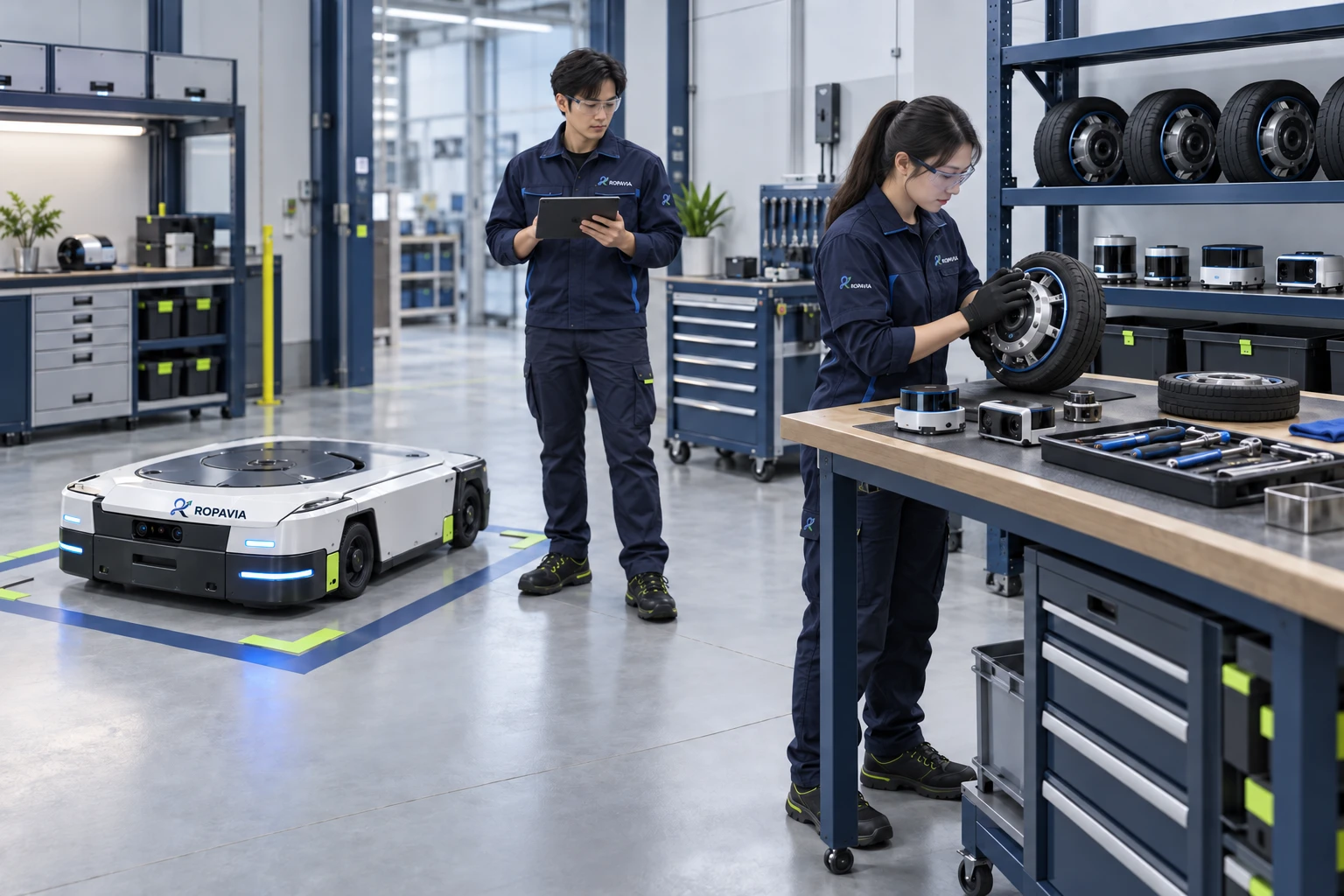
Operators and maintenance staff review equipment status, inspection findings and follow-up work to maintain a clear service history.
A fictional scene created for illustration.