

Use Physical AI development and validation support
Check resource and environment conditions, then request the development or validation support you need.
Understand at a glance
Check the listed conditions first, then proceed using official evidence and the actual proposal.
Requesting, confirming terms and accepting results are separate actions. Review results again when revisions are needed.
Check on the same basis
- Hardware & version
- Data & usage rights
- Environment & reproduction
- Results & limits
Numbers show reading order, not actual progress.
Detailed instructions
Choose Physical AI development hub in Deployment & development services. Search published services and consult the official documentation links.
Check resource type, hardware, versions, license, provenance, benchmark, environment, reproduction instructions, limitations and URL.
Sign in and describe the task, available or needed hardware, data-use conditions and goals. Enter company, contact, email, details, date, time zone and budget; consent and submit.
In Requests & progress, review and confirm the proposed development/validation scope, deliverables, fees and dates.
After submission of results, review the environment, method, outcomes and evidence. Accept results or request changes, attaching material where needed.
All detailed instructions are expanded for printing.
Before you proceed
- Official documentation links are external references. They do not automatically train models, run simulations or operate equipment inside the platform.
- Check the environment and license behind published benchmarks and validation records. Publication approval does not guarantee performance in every environment.
- The entire project or private data is not automatically shared. Confirm usage rights and the scope of material sent in requests and attachments.
Explore with pictures and screens
Choose a scene or screen to see the problem it addresses and what to check.
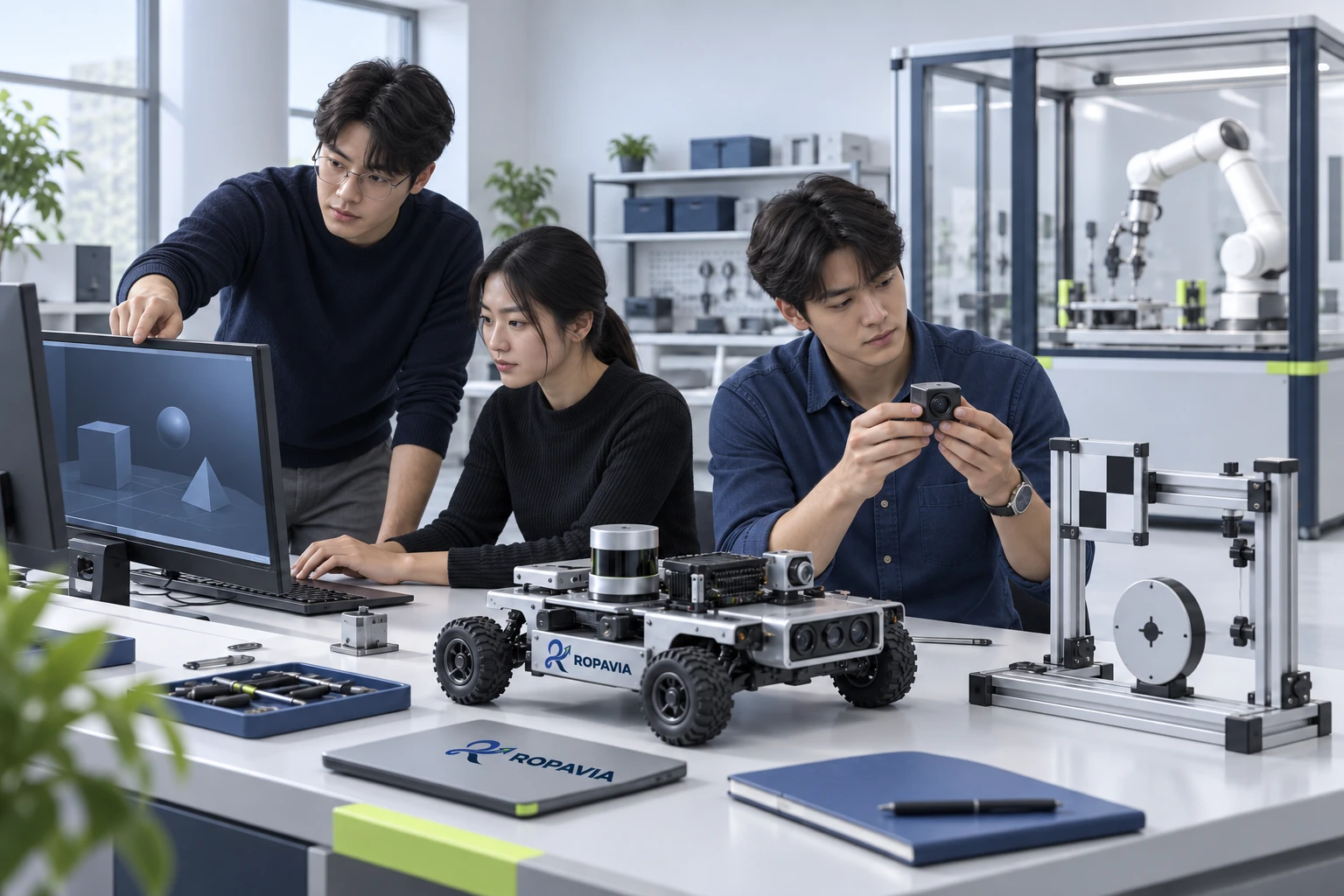
Instructors and participants review the equipment and tasks to define the practice and assessment they need.
A fictional scene created for illustration.