

Evaluate automation packages
Define tasks and site conditions to compare published services or ask ROPAVIA for a tailored configuration.
Understand at a glance
Distinguish what you submit from what the other party proposes or confirms.
Requesting, confirming terms and accepting results are separate actions. Review results again when revisions are needed.
Numbers show reading order, not actual progress.
Detailed instructions
In Deployment & development services, choose Automation packages. Search published services by title or content, country or region and sector.
Select Start with this task in a starter template, or open a published service. Templates help organize requirements; they are not available products or validated configurations.
Review the task, conditions, exclusions, hardware and software, versions, integration, acceptance criteria, training, support and evidence. If nothing fits, use Request ROPAVIA support.
Sign in and enter company, contact, email and details. Describe the task, site, interfaces and acceptance criteria, plus preferred date, time zone, original currency and budget. Import project information if useful, then confirm sharing consent and submit.
In Requests & progress, review the provider’s scope, price and dates before confirming terms. After results are submitted, accept them or request changes.
All detailed instructions are expanded for printing.
Before you proceed
- A request is not a confirmed booking, payment or contract. Distinguish a starting price from final scope, recurring costs and taxes.
- Requests, proposals, results and attachments are handled by the applicant and designated provider or ROPAVIA. The entire project is not automatically shared.
- Providers need an approved public profile to submit a service listing. New and edited listings require review; publication approval is not a technical guarantee.
Explore with pictures and screens
Choose a scene or screen to see the problem it addresses and what to check.
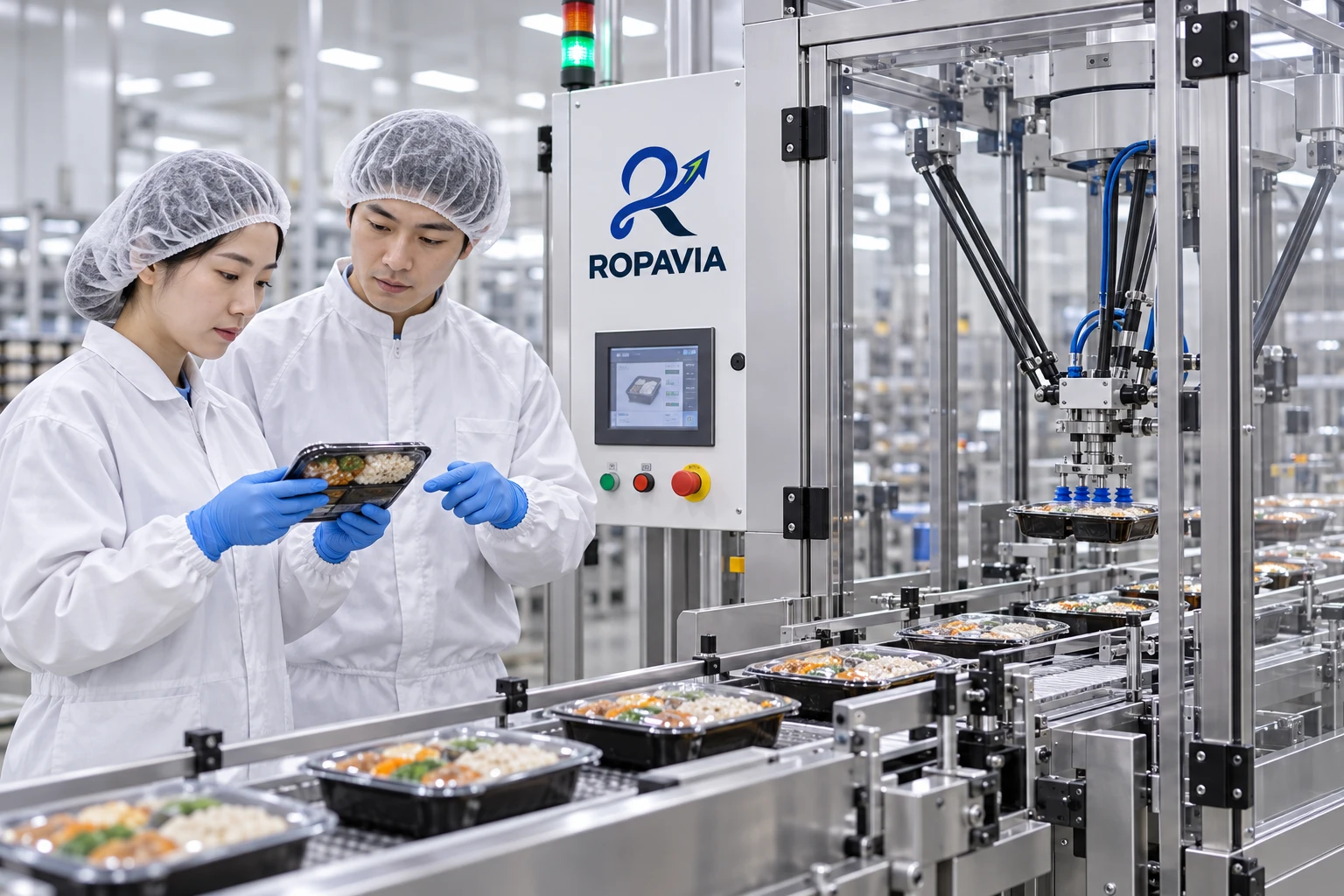
Reviewing the flow from loading and packaging to inspection and discharge, alongside equipment integration and operator roles.
A fictional scene created for illustration.